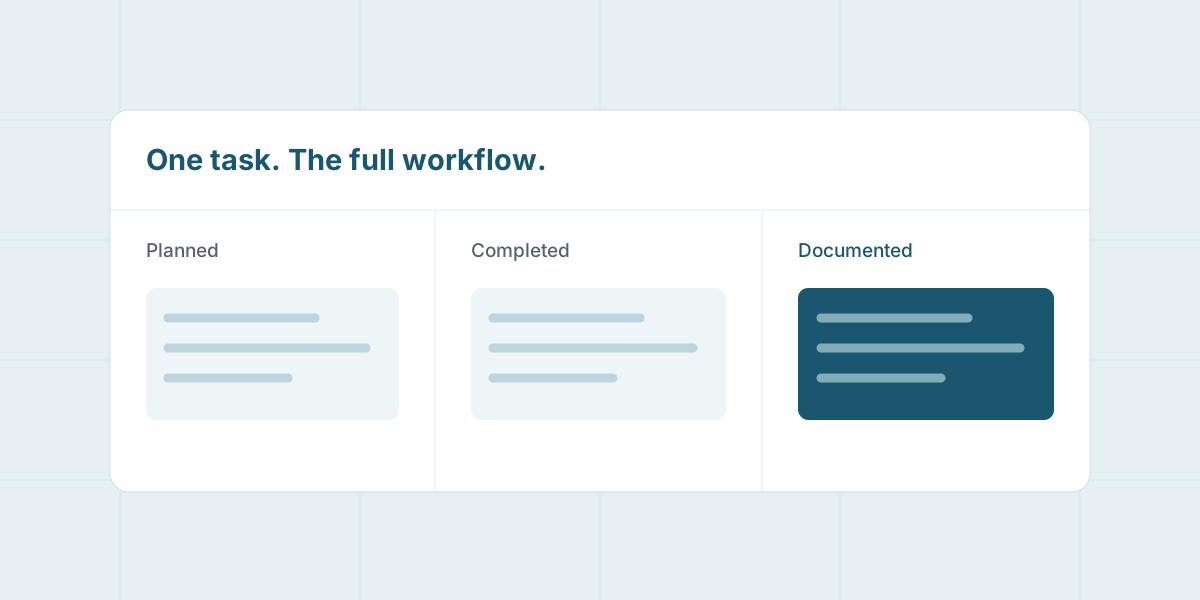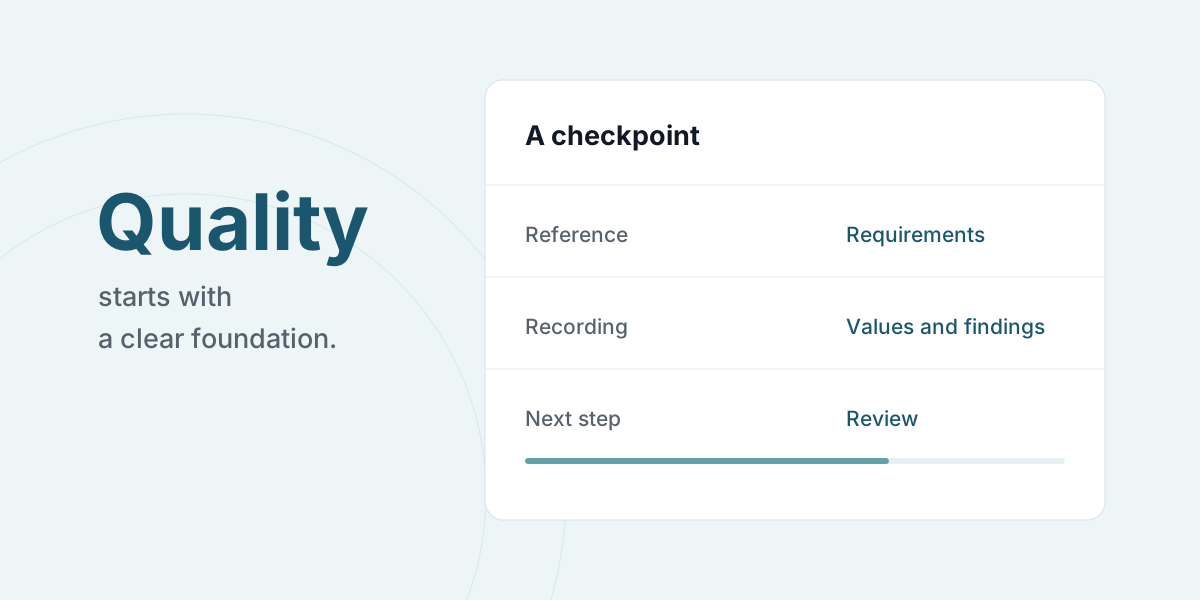
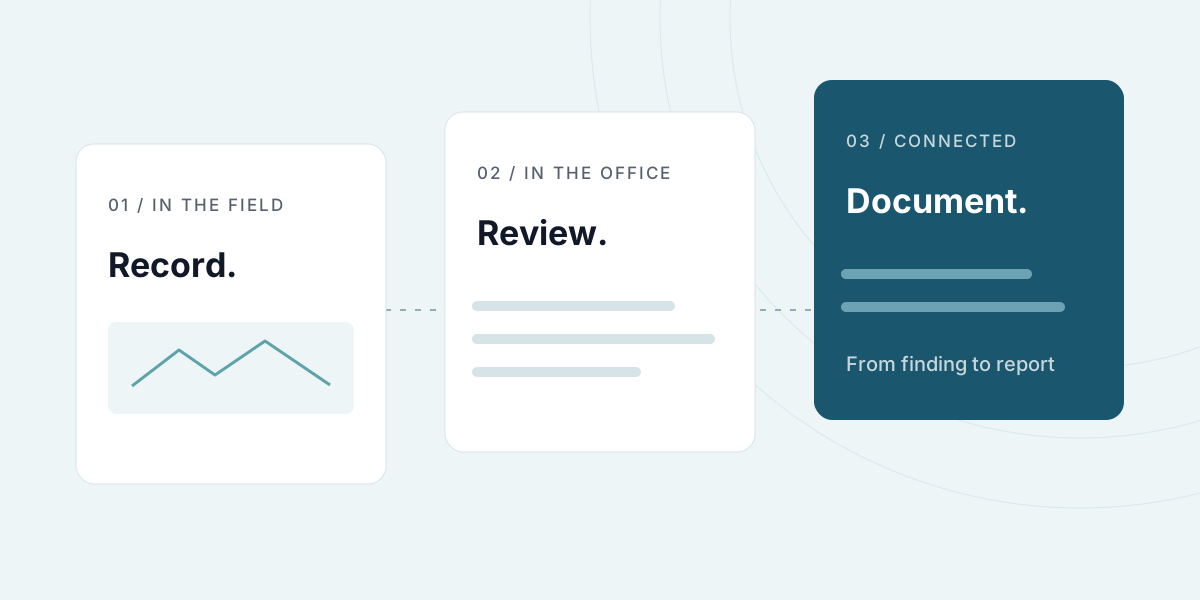
An NDT inspection needs to make sense to more than the person who carries it out. The task, checkpoint, measurement and finding need to stay connected when the documentation is reviewed and brought into a report.
A mobile form lets the inspector record information as the work happens. The form can be tailored to the fields and checkpoints relevant to the process, with room for measurements, photos and notes.
What is digital NDT documentation?
NDT means non-destructive testing. In this context, digital NDT documentation keeps the inspected item, the inspector’s records and the report connected. Inspection reporting software supports the process; method selection and assessment remain the responsibility of qualified professionals.
A mobile inspection form can bring together an item ID, task reference, time, measured value with its unit and a photo of the finding. Agree how references to instructions and relevant equipment should be recorded too. This gives the reviewer more useful context than a folder of disconnected photos.
Start with the person receiving the report
Consider what the reviewer and the customer need to see. For an inspection, this might include the task reference, the item inspected, the checkpoint, the measured value and a description of the finding.
Use these questions to shape the form:
- Which task and area does this record belong to?
- What needs to be inspected or measured, and which unit should be used?
- When does a photo or note need to explain a finding?
- Who reviews the result and follows up?
An existing form is a useful starting point. Keep the information that is needed and make it clear when each field should be completed.
Record on site, even offline
On a phone or tablet, the inspector can complete the tailored form and attach photos and notes to the record. This gives the material a shared structure before it reaches the office.
When there is no connection, records can be saved on the device and synced when it is online again. Agree on how the team will check that syncing has completed, especially before a device is put away or shared.
A useful report starts with records that other people can understand in context.
Explore the possibilities for NDT and inspection.
Review before handover
A report can be created from the collected information. Before handover, the responsible person still needs to assess whether the checkpoints have been covered, the findings are clear and any follow-up has been agreed.
| Step | Question for the work |
|---|---|
| Recording | What was inspected, measured and observed? |
| Review | Is any information missing, or does a finding need follow-up? |
| Report | Can the recipient understand the connection between task and result? |
A digital workflow supports documentation. It does not replace professional judgement or the requirements of the specific inspection.
Try it on one inspection
Choose a familiar process and walk through it from task to report with both the inspector and the reviewer. Adjust the form wherever information is missing or the context needs a clearer explanation.
Read about planning and documentation in one workflow, or book a demo around your inspections.
Updated .