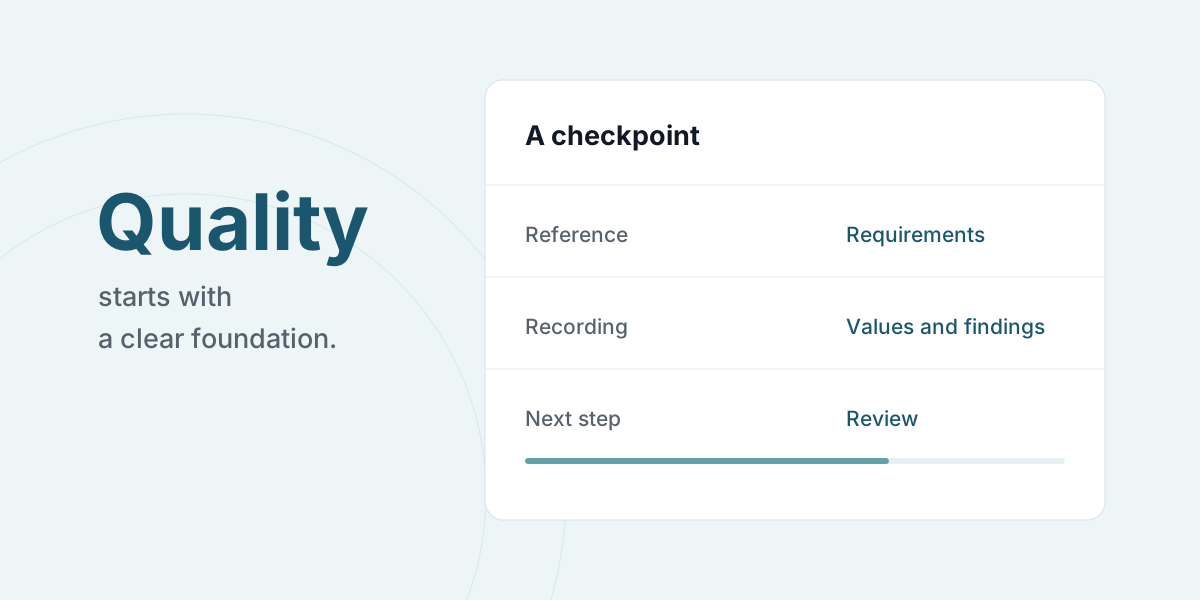
A useful checkpoint explains what needs to be inspected, what needs to be recorded and who follows up. When checks involve several people or different locations, a shared structure helps make the results understandable.
A mobile form can be tailored to your checking process. It can bring together instructions, measurements, photos and notes so the team member records the result as the check happens.
From paper forms to digital inspection checklists
A digital quality control checklist should follow the order in which the person encounters the work. Separate the instruction from the answer, show the unit beside each measurement field and leave room to explain a result that needs follow-up. A required field only helps when the person knows what to record.
Start with one type of check. Compare the completed mobile form with the documentation the reviewer actually uses. Remove unnecessary fields and clarify requirements and references before rolling the checklist out more widely.
Describe the check first
Start with the work and its professional basis rather than the number of fields. For each checkpoint, decide:
- What needs to be checked, and where?
- Which requirement or reference will the result be assessed against?
- Is a measurement, photo or note needed?
- Who reviews the result and follows up on exceptions?
An existing checklist, PDF or spreadsheet can be the starting point. Review it with the people carrying out the check and tailor the form to their work.
Separate the measurement from the assessment
A measurement shows what was recorded. Assessing whether it meets a requirement is a separate professional step. If you use tolerances, make the unit and basis clear. The responsible professional needs to establish the relevant requirements.
A checkpoint should make both the result and the next action clear.
Digital quality-control workflows can support this structure. They do not determine the professional or contractual requirements themselves.
Agree on what happens after a finding
Decide in advance who needs to see an exception and how it will be followed up. A form can include a photo and a note about location or extent, helping the next person understand what needs assessment.
Checks can be completed offline where there is no connection. Records sync when the device is online again; review and follow-up depend on the workflow you have agreed and configured.
Test a complete workflow
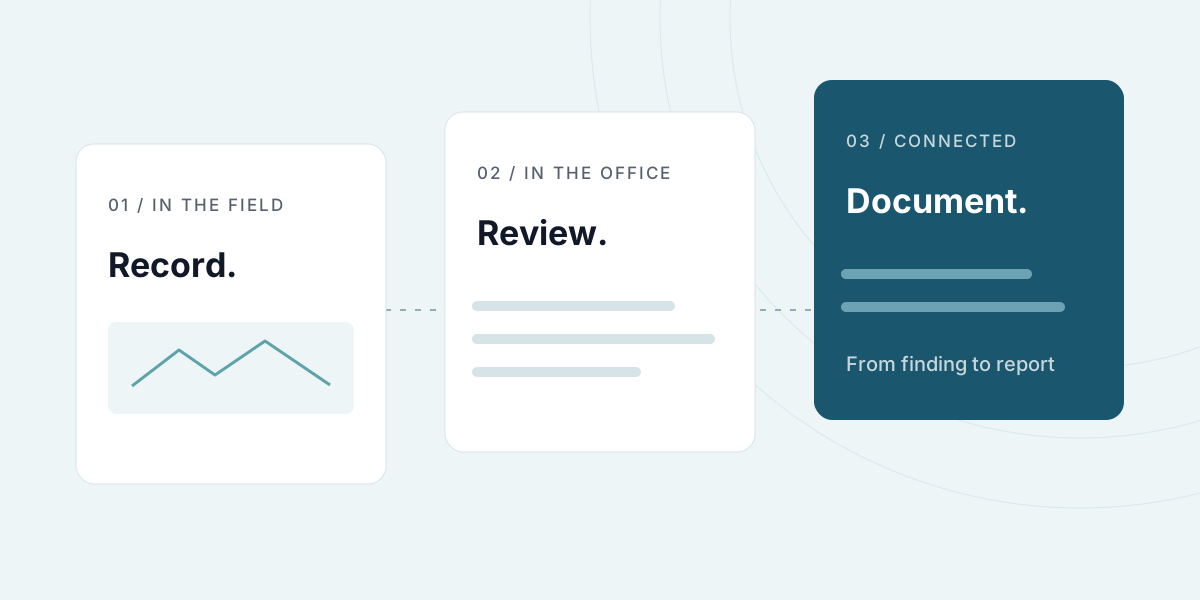
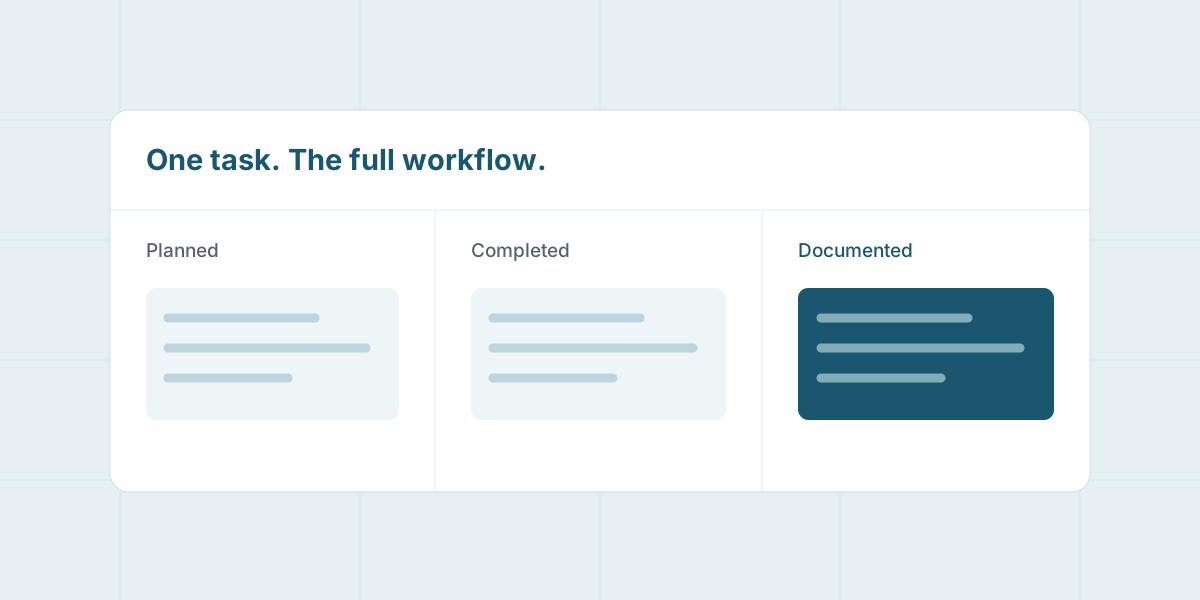
Choose a recurring check and follow it from preparation to report with the team member and the reviewer. Adjust instructions and fields wherever something needs a clearer explanation. Then use the records as the basis for a report and any necessary follow-up.
Read about planning and documentation, or book a demo around your checking process.
Updated .